
Trophy Mounts
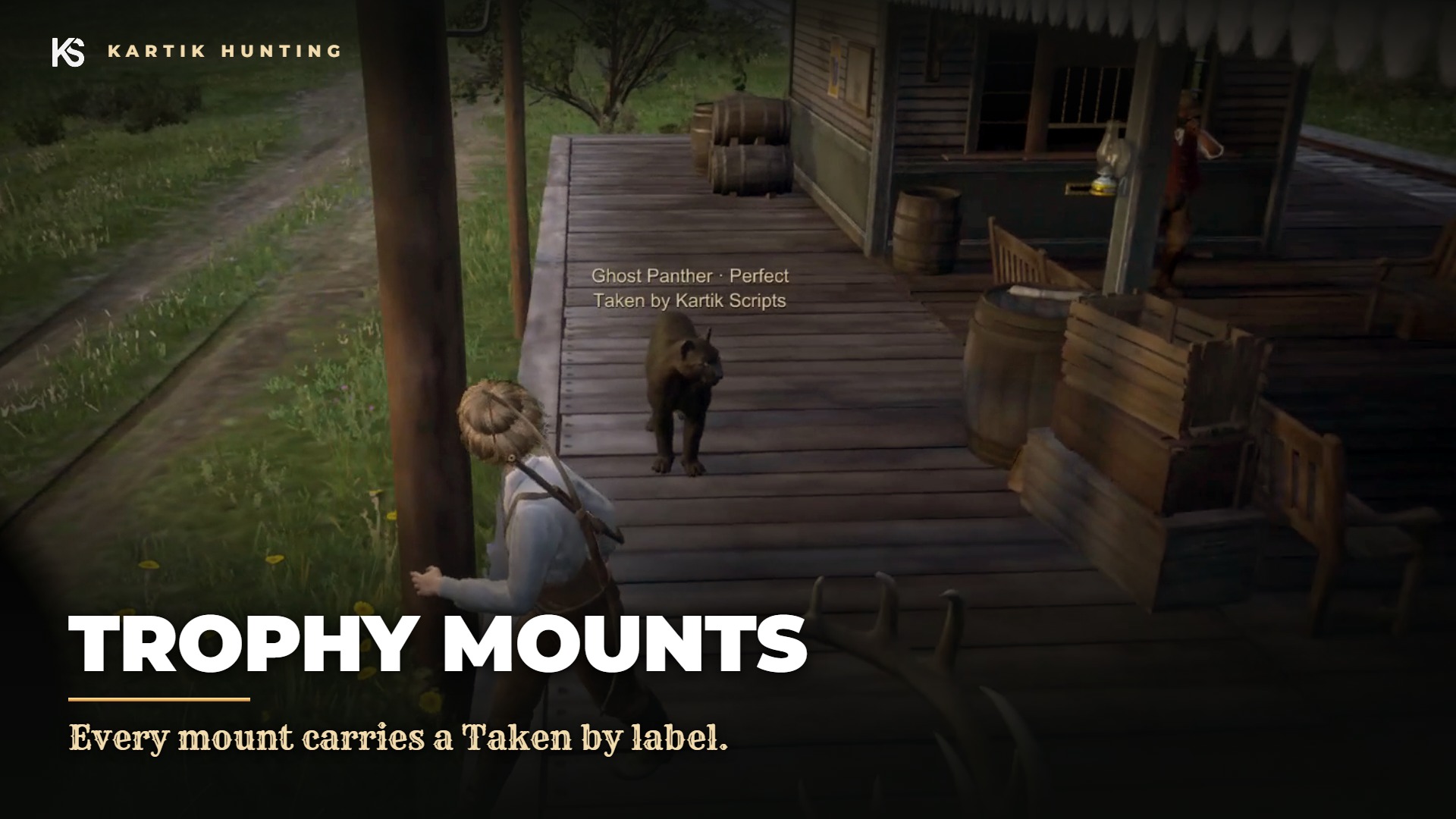
Every trophy and legend you bring down can go on display. The trapper mounts the pelt, and you set it up in your house, your camp or anywhere else you like. Anyone walking by sees it, with your name on it.
Show it off. A standing Onyx Wolf by the fireplace or the Bharati Grizzly stretched out in camp, with "Taken by" and the grade it was taken at.
🪚 Getting a mount made
- Bring a trophy or legendary pelt to a trapper and open the Taxidermy tab.
- Pick Standing or Resting and pay the fee. The pelt is used up and you get a
trophy_mountitem for that animal.
| Pelt | Fee |
|---|---|
| Trophy | 12 |
| Legendary | 30 |
The mount keeps the animal, the grade and the hunter's name.
🏠 Putting it on display
- Use the
trophy_mountfrom your inventory. A faded preview of the animal appears in front of you. - Walk to where you want it. Turn it with the left and right arrow keys.
- Hold G to set it down, or press Backspace to put it away.
| Style | Looks like |
|---|---|
| Standing | The animal standing, full size |
| Resting | The animal lying down, like a rug or a resting pose |
Mounts stay where you put them across restarts. Up to 8 per character (max).
Walk up to a mount to see its name, grade and who took it. Hold Left Alt at one of your own to take it down: you get the mount item back.
Mounts can't be skinned, carried or sold. They are only for display.
Admins can skip the hunt and the trapper with /huntmount <rare id> [standing or resting], for example /huntmount ghost_panther resting.
🔧 Configuration
Config.Mounts in shared/config.lua:
| Option | Default | |
|---|---|---|
enabled | true | Turn mounts off |
item | 'trophy_mount' | The mount item |
vendors | the three trappers | Vendor ids that offer taxidermy |
fee | { trophy = 12, legendary = 30 } | What mounting costs |
max | 8 | Mounts on display per character |
spacing | 1.5 | How close two mounts can be, in metres |
render | 50.0 | How close you need to be to see a mount |
labelRange | 4.0 | How close you need to be to read its label |
pickup | 2.0 | How close you need to be to take your own down |