
Shortcuts
The ⌨️ button at the bottom right of the builder lists these too.
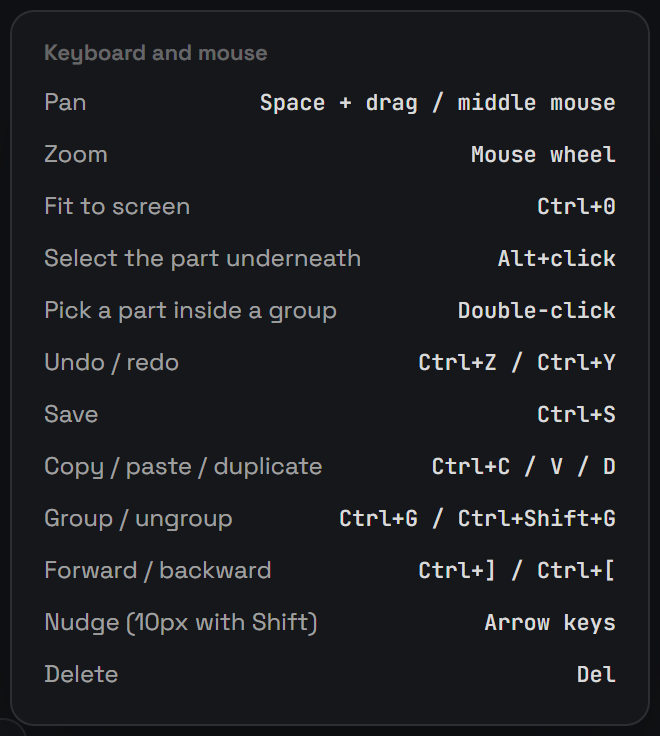
🖱️ Mouse
| Action | |
|---|---|
| Click | Select a part (or its whole group) |
| Double-click / Ctrl+click | Select one part inside a group |
| Shift+click | Add to or remove from the selection |
| Alt+click | Select the part underneath |
| Drag a part | Move it, smart guides snap it to edges and centres (Shift locks the direction, Alt turns snapping off) |
| Drag on empty space | Select several parts |
| Handles | Resize (Shift keeps proportions, Alt from the centre); the top handle rotates (Shift snaps to 15°) |
| Wheel | Zoom |
| Space+drag / middle mouse | Pan |
⌨️ Keyboard
| Key | |
|---|---|
| Ctrl+S | Save |
| Ctrl+Z / Ctrl+Y | Undo / redo |
| Ctrl+D | Duplicate |
| Ctrl+C / Ctrl+V | Copy / paste |
| Ctrl+A | Select all |
| Ctrl+G / Ctrl+Shift+G | Group / ungroup |
| Ctrl+] / Ctrl+[ | Bring forward / send backward (Shift for front / back) |
| Delete | Delete the selection |
| Arrow keys | Nudge 1px (Shift for 10px) |
| Ctrl+0 | Fit the widget in view |
| Esc | Step back: leave a field → close a window → leave Test → clear the selection → close the builder |
👥 Groups
Ready-made pieces arrive grouped: one click selects the whole piece so it moves together. Double-click or Ctrl+click picks a single part inside it. Group your own parts with Ctrl+G.
🔁 Repeat
Select one or more parts and use Repeat in the right panel to lay out copies in a row or column with a set gap, handy for a row of badges.
🗂️ Layers
In the left panel's Layers tab: drag rows to reorder, double-click to rename, and use the eye to hide a part.