
Scene Creator
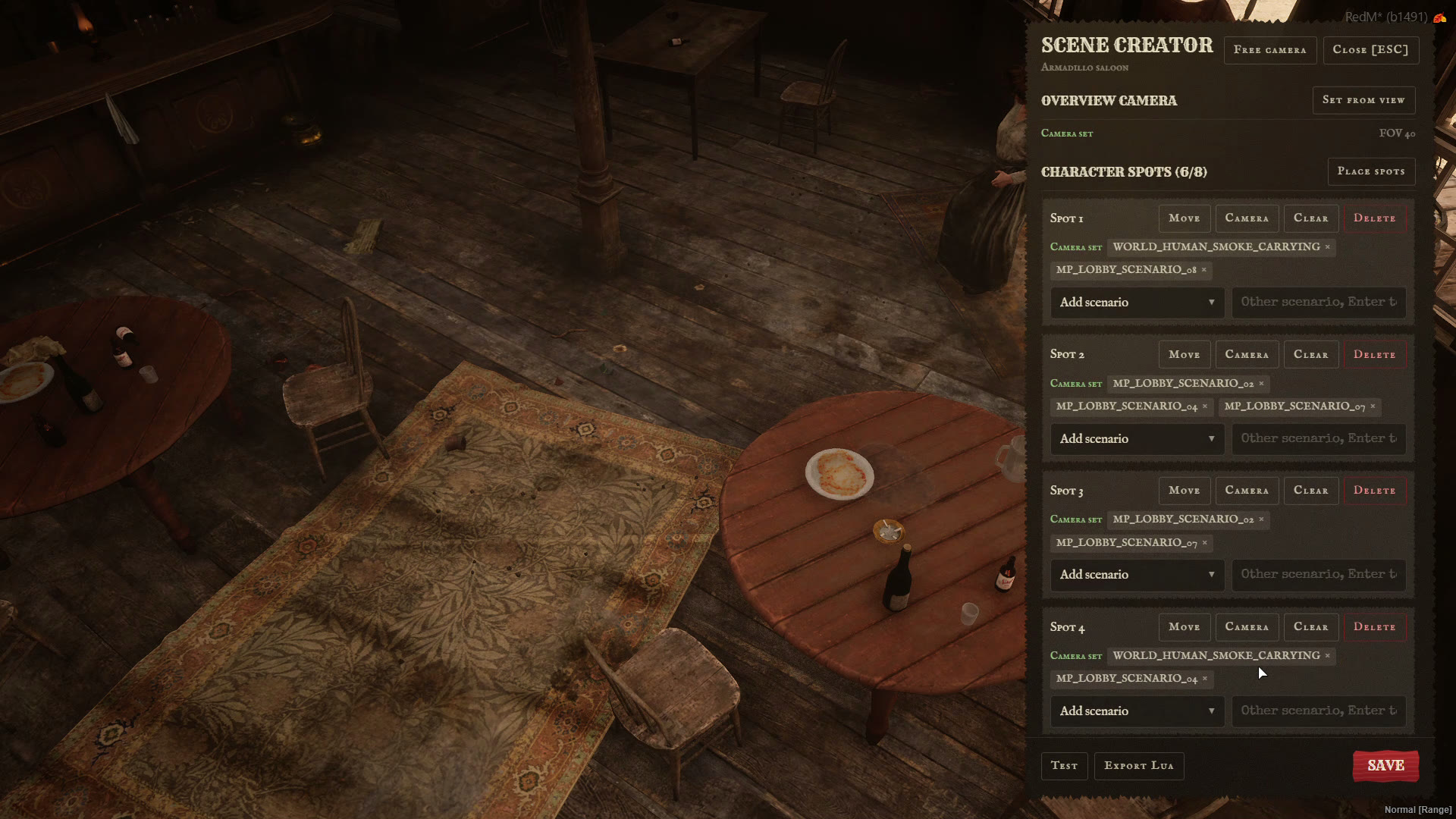
Build your own character select scenes in game. No file editing.
Open /charadmin and go to Scenes. New scene starts where you stand, and Edit opens any scene, the included ones too.
🌤️ Setting
Name, id, weather, time, timecycle, music and ambience. Changes show live around you.
🎥 Cameras
The overview camera and a camera for every spot. Set from view opens a free camera: frame the shot and click to capture it.
🧍 Character spots
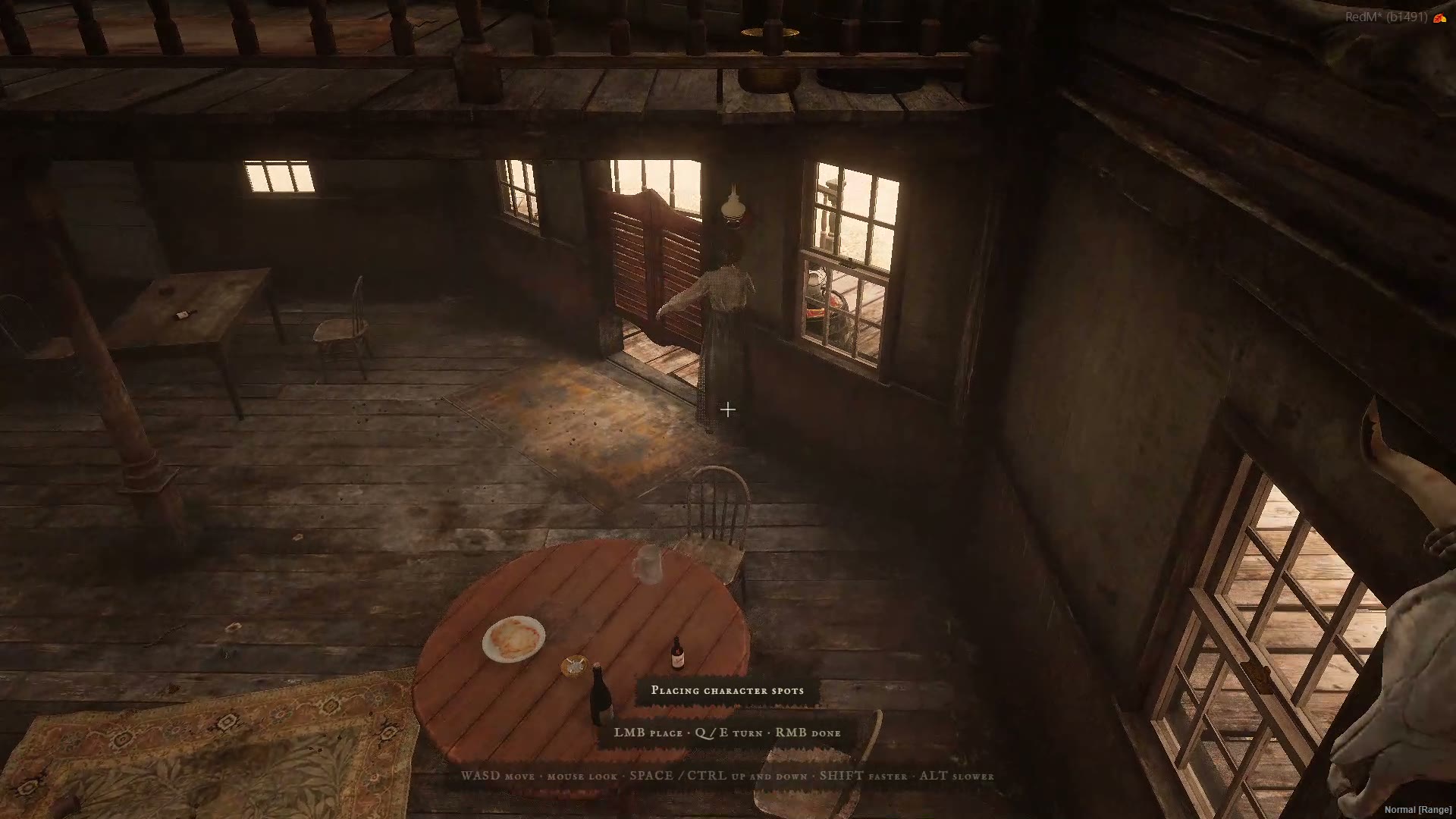
Place spots puts a stand-in where your crosshair points, facing the camera. Q and E turn it, click again for the next one, right click when you're done.
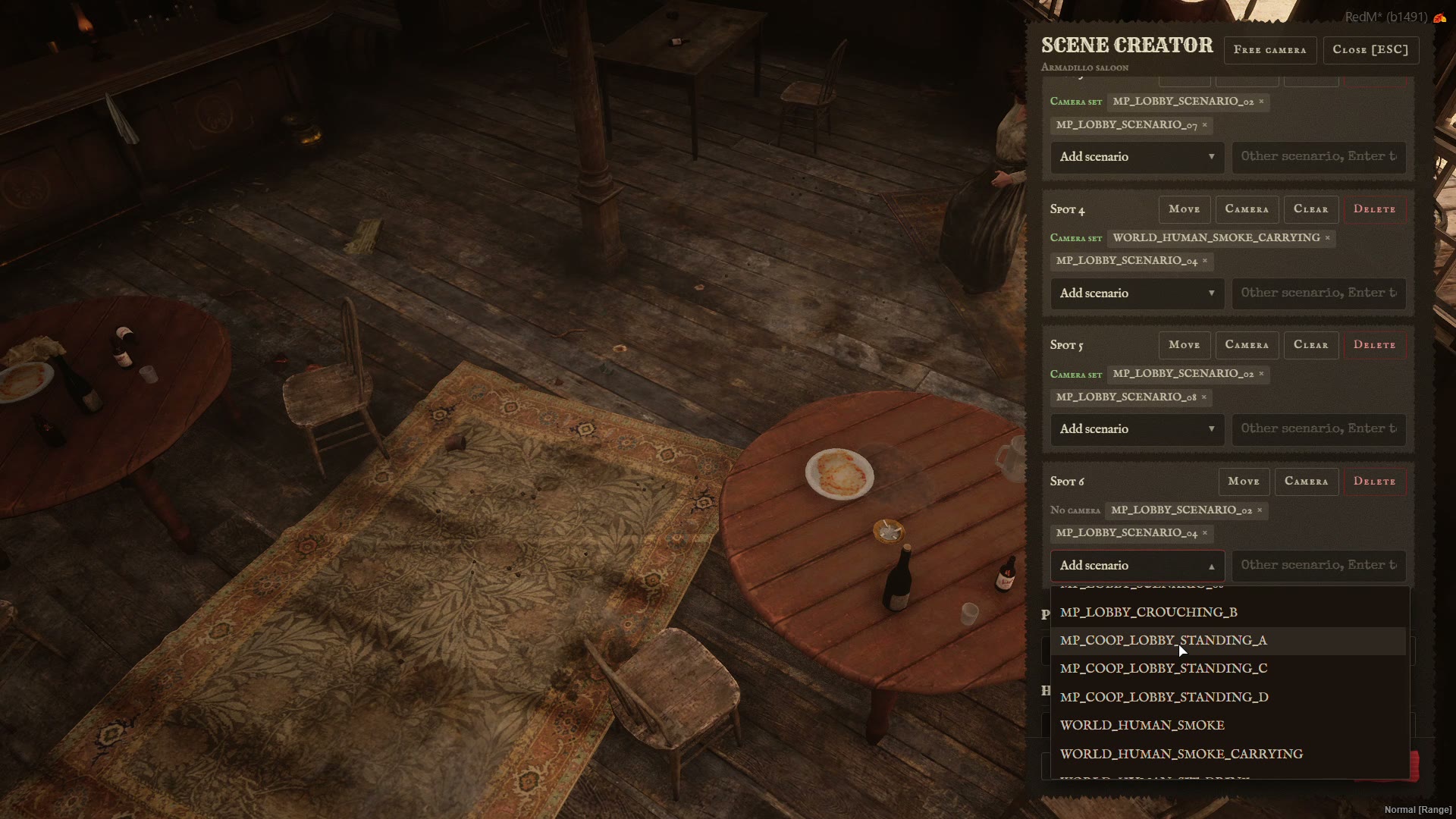
Each spot gets scenarios from the list in Config.SceneEditor.scenarios, or any scenario name you type in.
🐴 Props and horses
Type a model name and place it the same way. Props can carry a light.
▶️ Test, save, export
- Test plays the scene exactly like character select would, before you save.
- Save stores it in the
kartik_multicharacter_scenestable, so updating the resource keeps it. - Export Lua gives the scene in the
shared/scenes.luaformat, to ship it with the resource.
A saved scene with the id of an included one replaces it. Reset brings the original back. Config.Scene can name your saved scenes like any other.
🕹️ Free camera
| Key | |
|---|---|
| W A S D | Move |
| Mouse | Look |
| Space / Ctrl | Up / down |
| Shift / Alt | Faster / slower |
| Z / X | Zoom |
| Click | Back to the panel |
The view stays where you left it, and Set from view and placing carry on from there.
📏 Limits
Config.SceneEditor = {
    enabled   = true,
    maxScenes = 30,
    maxSpots  = 8,
    maxProps  = 20,
    maxHorses = 6,
    scenarios = { ... }, -- offered for each spot
    weathers  = { ... }, -- offered in the setting
}