
Character Slots
➕ Where slots come from
| Source | Config |
|---|---|
| Default | Config.Slots.default |
| Ace permissions | Config.Slots.ace |
| Discord roles | Config.Discord, see Discord Roles |
| VORP character limit | The char column in VORP's users table (Config.Slots.useVorpLimit) |
| Admin grants | The Admin Panel or the givecharslot command |
| Tebex purchases | Config.Tebex, see Tebex |
🧮 How they add up
The highest of default, ace, Discord and the VORP limit is the base. Extra slots from admin grants and Tebex are added on top. The total never goes past Config.Slots.max.
Default 2, a VIP ace gives 4, a Discord role gives 3: the base is 4. With 1 Tebex slot the player has 5.
The admin panel shows this breakdown for every player.
🛡️ Ace slots
Config.Slots.ace = {
    { ace = 'multicharacter.vip', slots = 5 },
}add_ace group.vip multicharacter.vip allow🔒 Locked slots
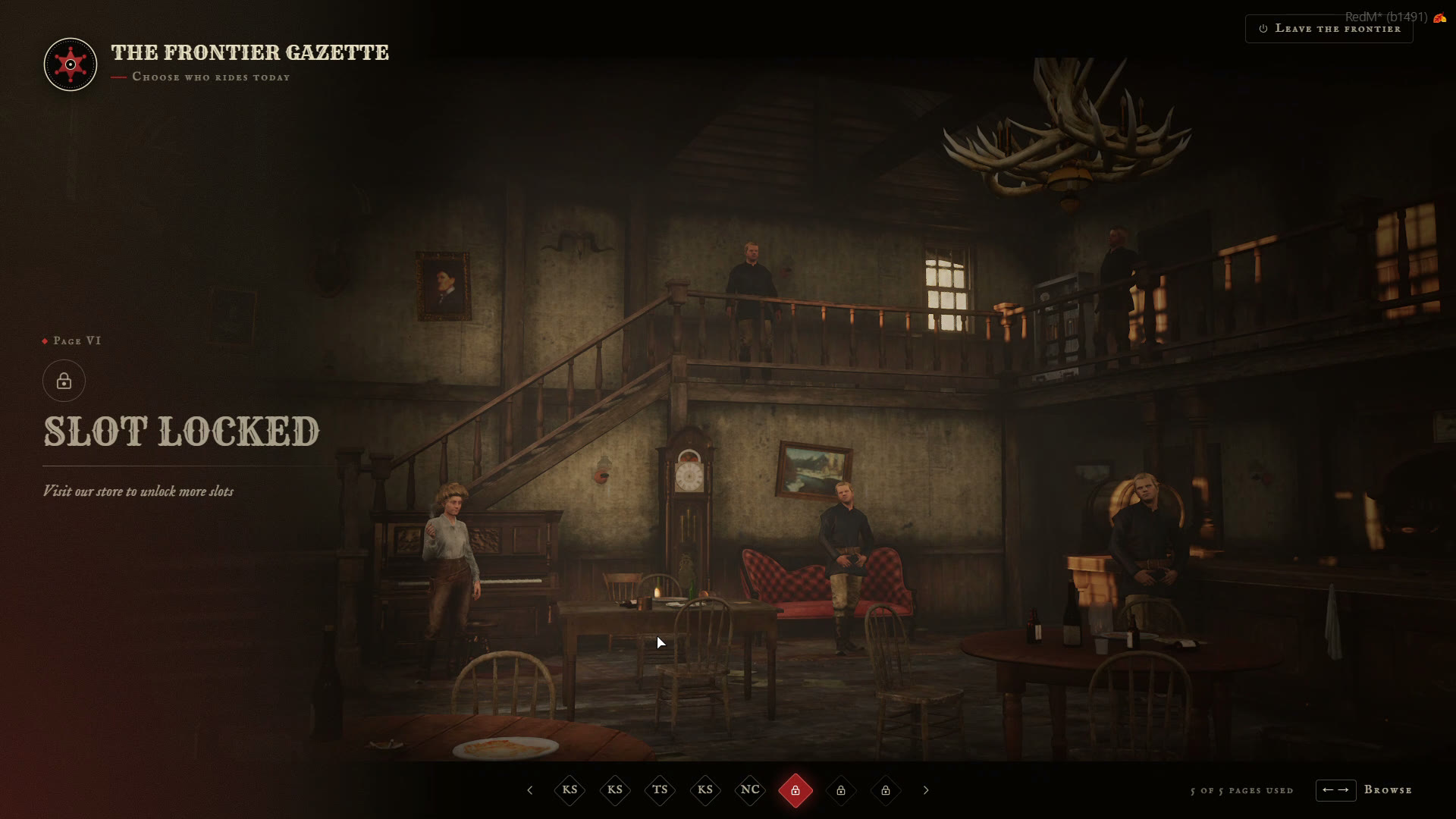
With Config.Slots.showLocked = true, slots the player hasn't unlocked yet show up to max, with Config.Slots.lockText ("Visit our store to unlock more slots"). If Tebex is on, the redeem box shows there too.
💬 Giving slots by command
givecharslot <server id or license> <amount>Works from the server console or for players with the command ace. A negative amount removes slots.