
Access Groups & Sub-Owners
Garages V2 introduces a flexible permission system allowing vehicle owners to share vehicles with friends, gang members, or entire job organisations without losing primary ownership.
🔑 Vehicle Access Tab
In the Vehicle Details modal, players can navigate to the Access tab to configure permissions:
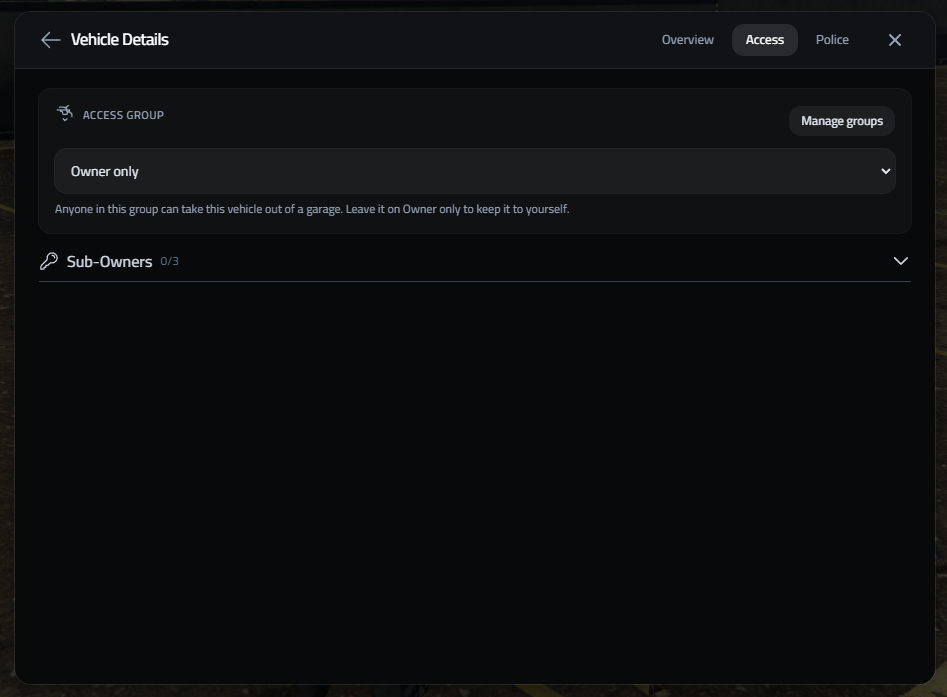
Access Modes:
- Owner Only: Default mode restricting vehicle spawning exclusively to the primary owner.
- Access Groups: Assign a predefined Access Group (e.g. Family, Mechanics, Officers) allowing anyone in that group to pull out the vehicle.
- Sub-Owners (0/3): Assign up to 3 individual Citizen IDs as permanent sub-owners who share full storage and retrieval access.
Only the vehicle's owner can change its access group or sub-owners. Players who reach a vehicle through a group see the group name in a locked dropdown, and the Sub-Owners section is hidden for them. Job vehicles have no sub-owners, as the job decides who can use them.
🛡️ Managing Access Groups
Players can create reusable Access Groups that can be applied to any vehicle in their garage:
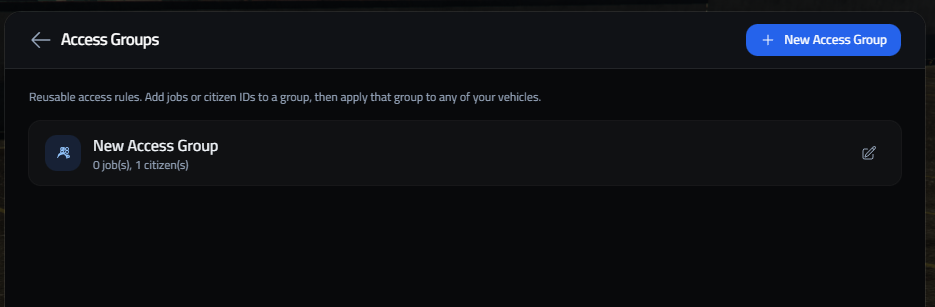
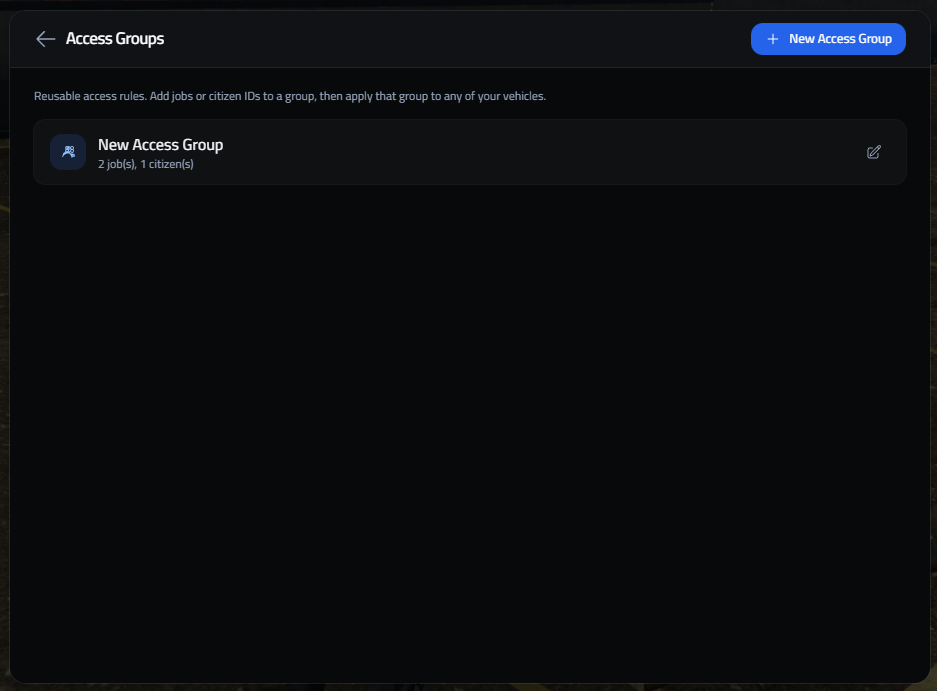
Access Group Features:
- Reusable Access Rules: Define access rules once and attach them across multiple vehicles.
- Job & Citizen Rules: Mix and match job access (e.g.,
policegrade 2+) and specific citizen IDs. - Instant Revocation: Modifying or deleting an Access Group updates permissions across all attached vehicles instantly.
🚓 Job Vehicles
On a personal vehicle an access group adds people. A job-owned vehicle is already open to the whole job, so there an access group limits it instead: only members of one of its groups can see and take it out.
- A job vehicle in no group stays open to every member of the job.
- A job vehicle in one or more groups is only for players those groups let in, by job grade or Citizen ID. They still have to be in the job.
- This applies in the garage list, when taking the vehicle out, and to street-parked job vehicles.
For example, put the Commander's cruiser in a Police - Grade 10+ group with grades 10 and up ticked, and cadets no longer see it, while the patrol cars outside any group stay open to everyone.
Config.AccessGroups = {
    enabled = true,
    restrictJobVehicles = true,  -- false: groups never limit job vehicles
}
Migrating from JG? Its per-vehicle ranks are turned into these groups automatically. See Migrating from JG Garages.
Street Parking
Garages V2 features an advanced, distance-streamed street parking system allowing players to park their vehicles anywhere in San Andreas or in designated parking lots.
Impound & Police Actions
Garages V2 features an advanced police impound management subsystem designed for police officers, tow truck drivers, and mechanics.