
How It Plays
kartik-ers turns a quiet shift into a stream of work. A unit starts a shift, gets callouts for their service, drives to the scene and deals with it. On patrol, police can also pull over any AI vehicle.
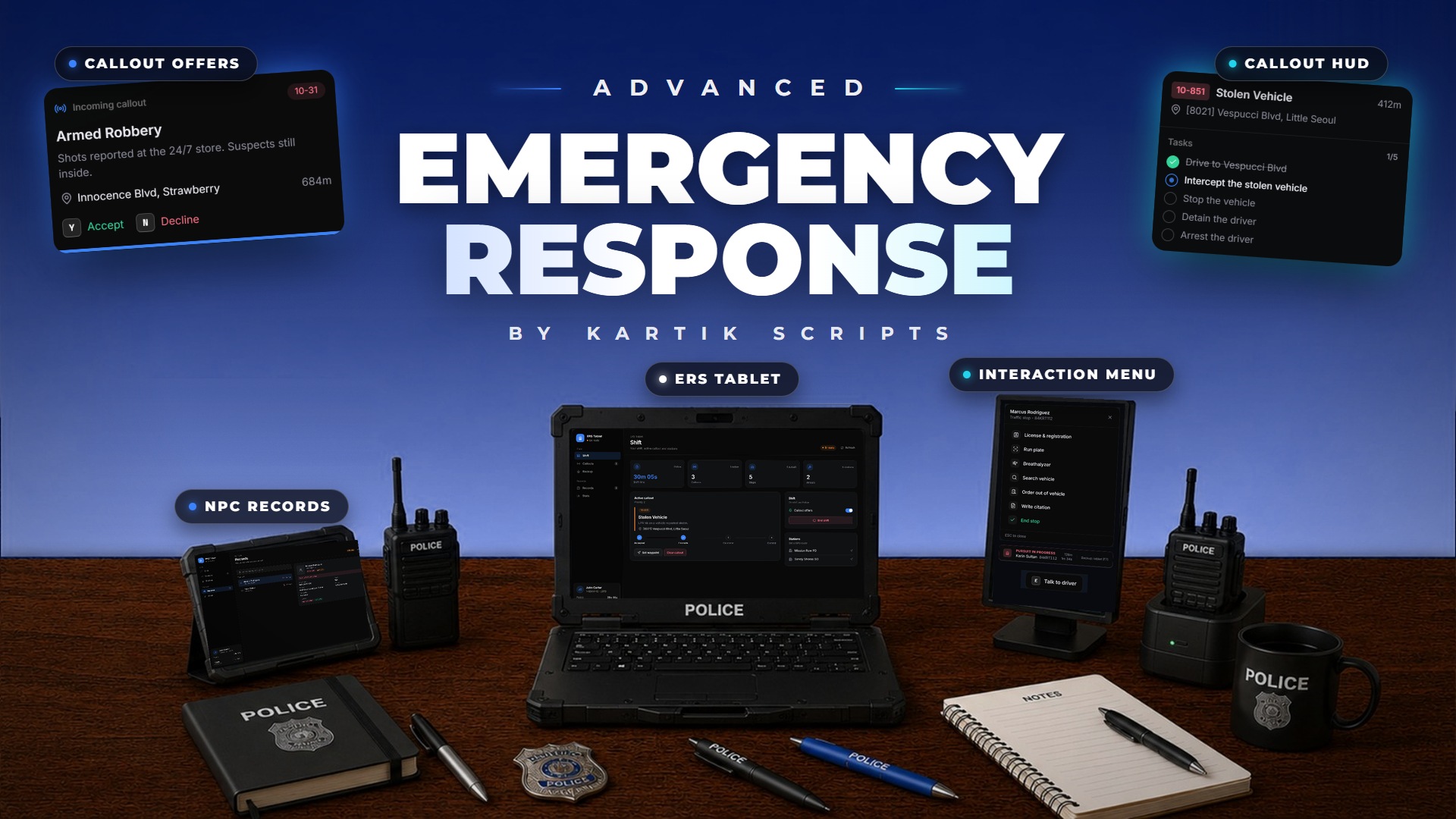
The loop
- Open the tablet with
/ers, pick your service and press Start shift. - A callout offer slides in. Press Y to accept or N to decline. You can also press Request callout on the tablet.
- A route is set. The scene spawns as you get close, and the callout HUD shows the call, the address and a task checklist.
- Work through the tasks: talk to people, arrest suspects, treat patients, put out fires, hook up vehicles.
- Hand people over: suspects to a jail, patients to a hospital, or to an AI unit you call in.
- Once every required task is ticked, the callout completes, you are paid and the next offer comes.
Pages in this section
- Shifts: starting and ending a shift, duty sync, MDT status.
- Callouts: all 42 callouts and how each one plays.
- Joint Callouts: scenes shared with other player units.
- NPC Interaction: the interaction menu, questioning, arrests.
- Traffic Stops: pulling over AI vehicles.
- Pursuits: fleeing drivers and foot chases.
- EMS Treatment: assessing, treating and transporting patients.
- AI Backup: calling AI units and giving them orders.
- The ERS Tablet: shift, callouts, backup, records and stats.
- Commands & Keys: every key and command.