
First Setup
Everything here is done in game, and saved in your database. No file editing, no restarts.
Type /emsadmin to open the admin panel.
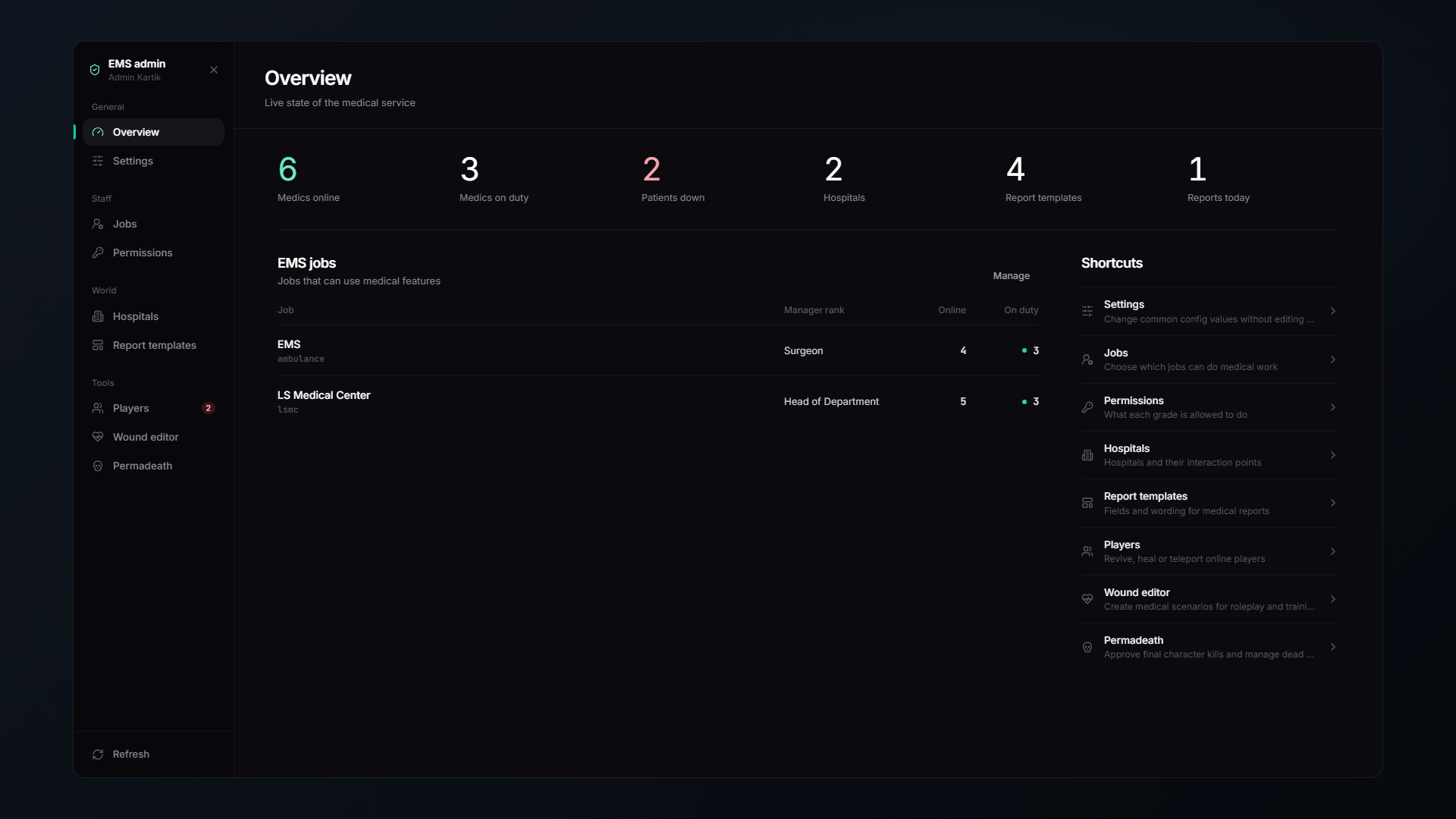
/emsadmin is available to your framework admins, or anyone with the ace in Config.AdminAce (default group.admin).
1️⃣ Pick your medical jobs
Staff → Jobs
Tick every job that counts as medical staff. You can have several, for example ambulance, doctor and fire. All of them get the tablet, the patient panel and the duty toggle.
For each job, set a manager rank. Anyone at or above that rank can edit the permissions of the ranks below them, from inside the tablet.
On the very first start the ambulance job is already enabled with sensible defaults, so the script works before you touch anything.
2️⃣ Set rank permissions
Staff → Permissions
A grid of every job grade against every permission. Tick what each rank may do.
| Permission | Default rank |
|---|---|
| Treat patients | 0 |
| Body bags | 0 |
| AI callouts | 0 |
| Hospital tests | 1 |
| Casts | 1 |
| Prescribe | 2 |
| Surgery | 3 |
| Autopsy / Certify deaths | 3 |
The full list is on the Permissions page.
3️⃣ Build your hospitals
World → Hospitals
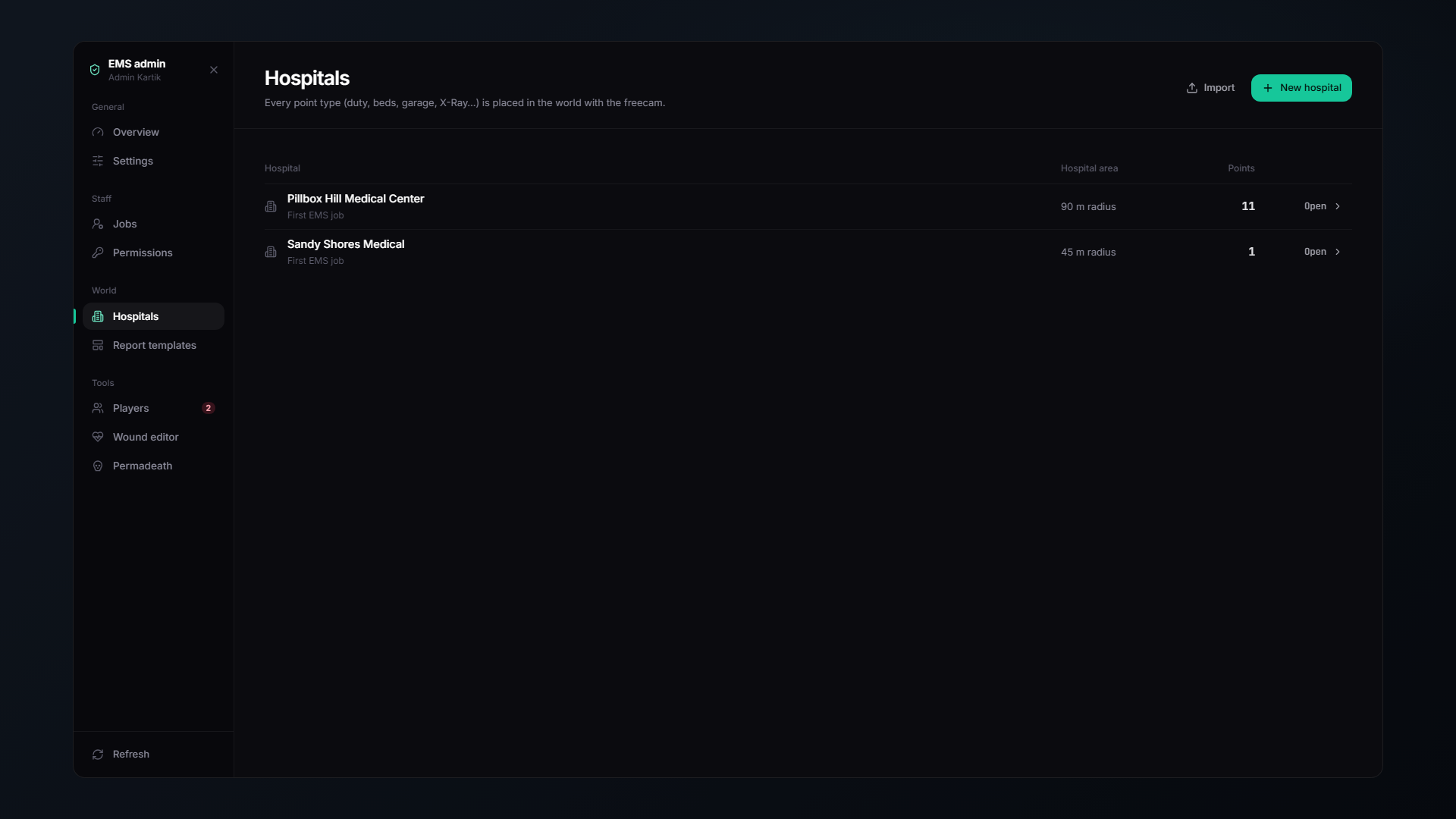
Hospitals live only in the database. Pillbox, Sandy Shores and Paleto are imported as examples on the first start, if your server uses different MLOs, you must place the points yourself.
Create a hospital, then place each point in game with the built-in freecam. A hospital is made of these point types:
| Group | Points | What they do |
|---|---|---|
| Staff | Duty Toggle, Personal Lockers, Supply Shop, Cloakroom, Boss Menu, Garage | Where medics clock in, change, restock and take vehicles |
| Patients | Check-in Desk, Hospital Bed, Respawn Point, Pharmacy, Insurance Desk, Ambulance Bay | Where patients arrive, lie down and pay |
| Treatment | X-Ray Table, CT Scanner, MRI Table, Surgery Table, Laboratory | Hospital tests and operations |
| Blood | Blood Fridge, Blood Donation Chair | The blood bank |
| Other | Morgue Table, Elevator | Morgue work and moving between floors |
| Screens | Hospital Board / TV, Bedside Monitor | Live screens in the world |
Full details on the Hospital Creator page.
Minimum viable hospital: a Duty Toggle, a Supply Shop, a Respawn Point and a couple of Hospital Beds. Add the rest as you go.
4️⃣ Check the defaults you care about
Most settings can be changed live in /emsadmin → Settings, which overrides the config file until you reset it there. The ones worth looking at first:
| Setting | Where | Default |
|---|---|---|
| Respawn timer | Settings → Death | 300s |
| Respawn fee | Settings → Death | $1,500 |
| Last stand duration | Settings → Death | 240s |
| AI medic | Settings → Death | On, only when 0 medics are on duty |
| Check-in price | Settings → Hospital | $1,000 |
| Death screen theme | Settings → Interface | modern |
✅ You are done
Clock in at a Duty Toggle, press F6 to open the tablet, and you are running.
Next: How It Plays.
qb / ps / lj-inventory
This guide covers every qb-core based inventory: qb-inventory, ps-inventory, lj-inventory, and also works as a reference for qs-inventory, codem-inventory, tgiann-inventory and origen_inventory.
Supported Scripts
Everything is detected automatically when the server starts. You do not configure any of this, just run your scripts and the bridge finds them.