Preview
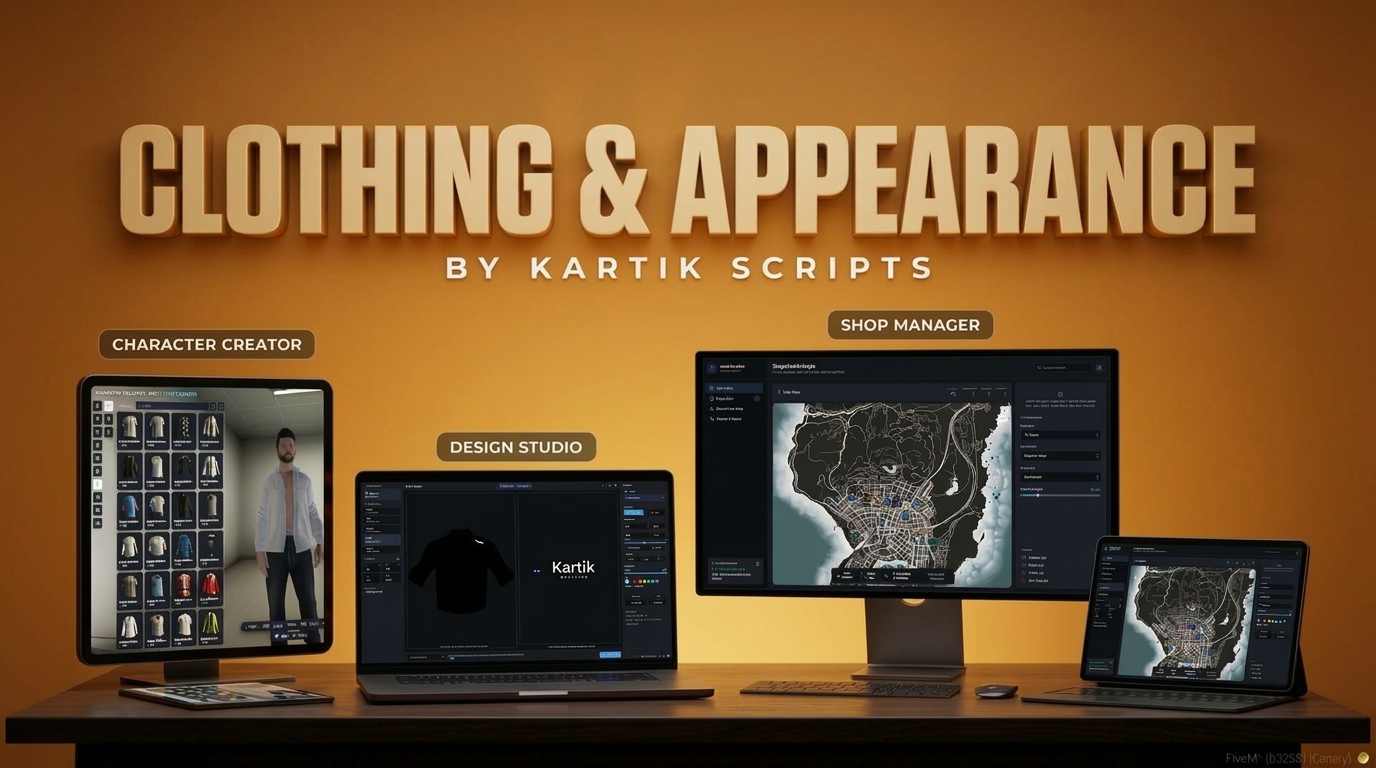
Explore the visual interfaces, customization screens, dynamic shop manager, custom garment designer studio, and monetization features included in kartik-clothing.
🎬 Video Preview
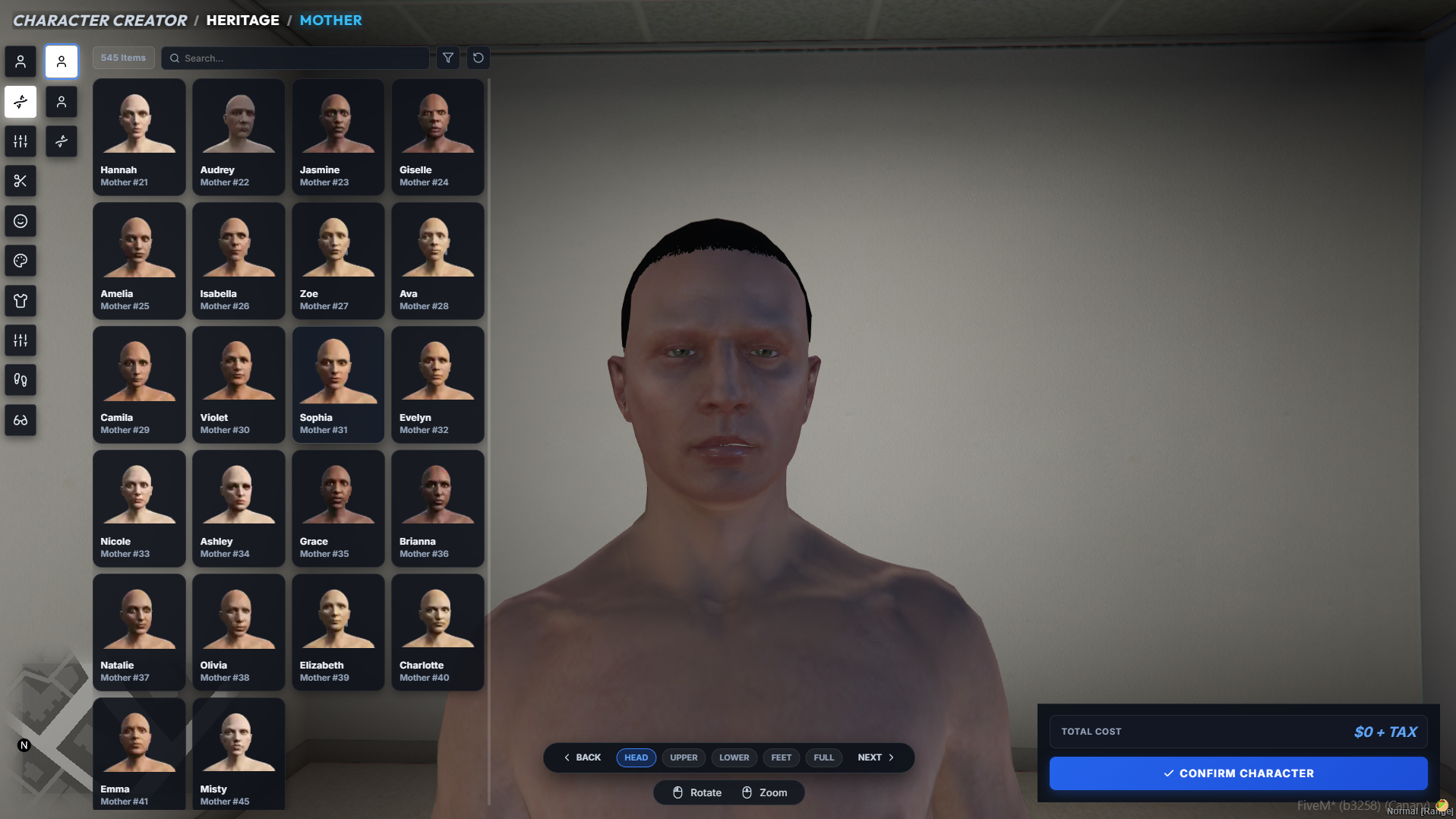
🧬 Character Creator Interface
The Character Creator provides a rich onboarding experience for new players, featuring heritage blending, face feature adjustments, hair and makeup swatches, and starter apparel selection.
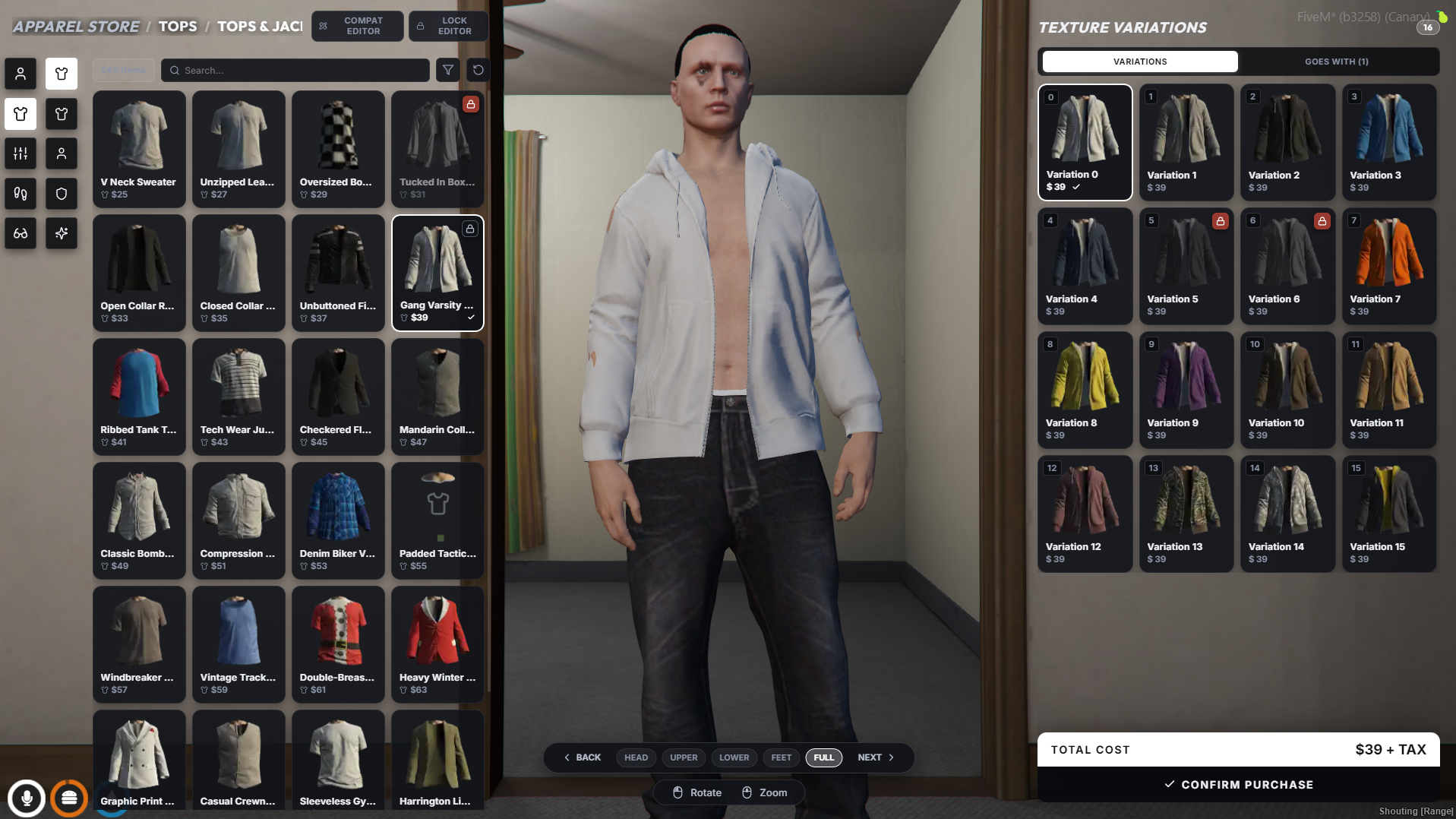
🛍️ Main Clothing & Appearance Shop
The Clothing Shop lets players browse garments by category, search and filter the grid, pick a colour under Texture Variations or check what Goes With a garment, frame the camera on the head, upper body, lower body, feet or full body, and confirm the purchase. Admins also get the COMPAT EDITOR and LOCK EDITOR buttons.
👑 Dynamic Shop Manager
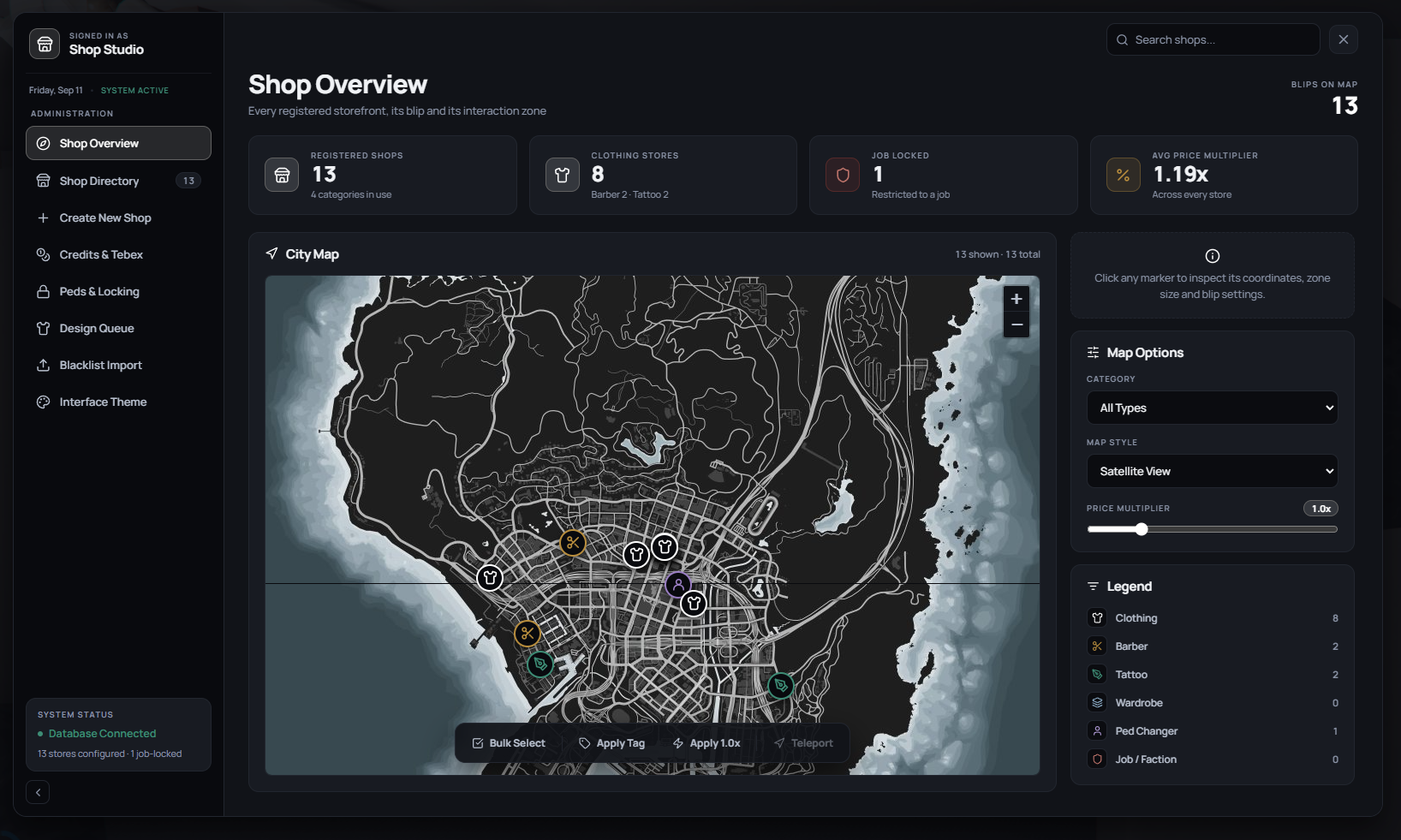
The Shop Studio (/shopmanager) is the admin hub. It covers a city map of every store, the shop directory and shop creator, Credits & Tebex, ped locking, the design review queue, blacklist import, and a live interface theme preview.
🎨 Custom Garment Designer, 2D Canvas & Layer Studio
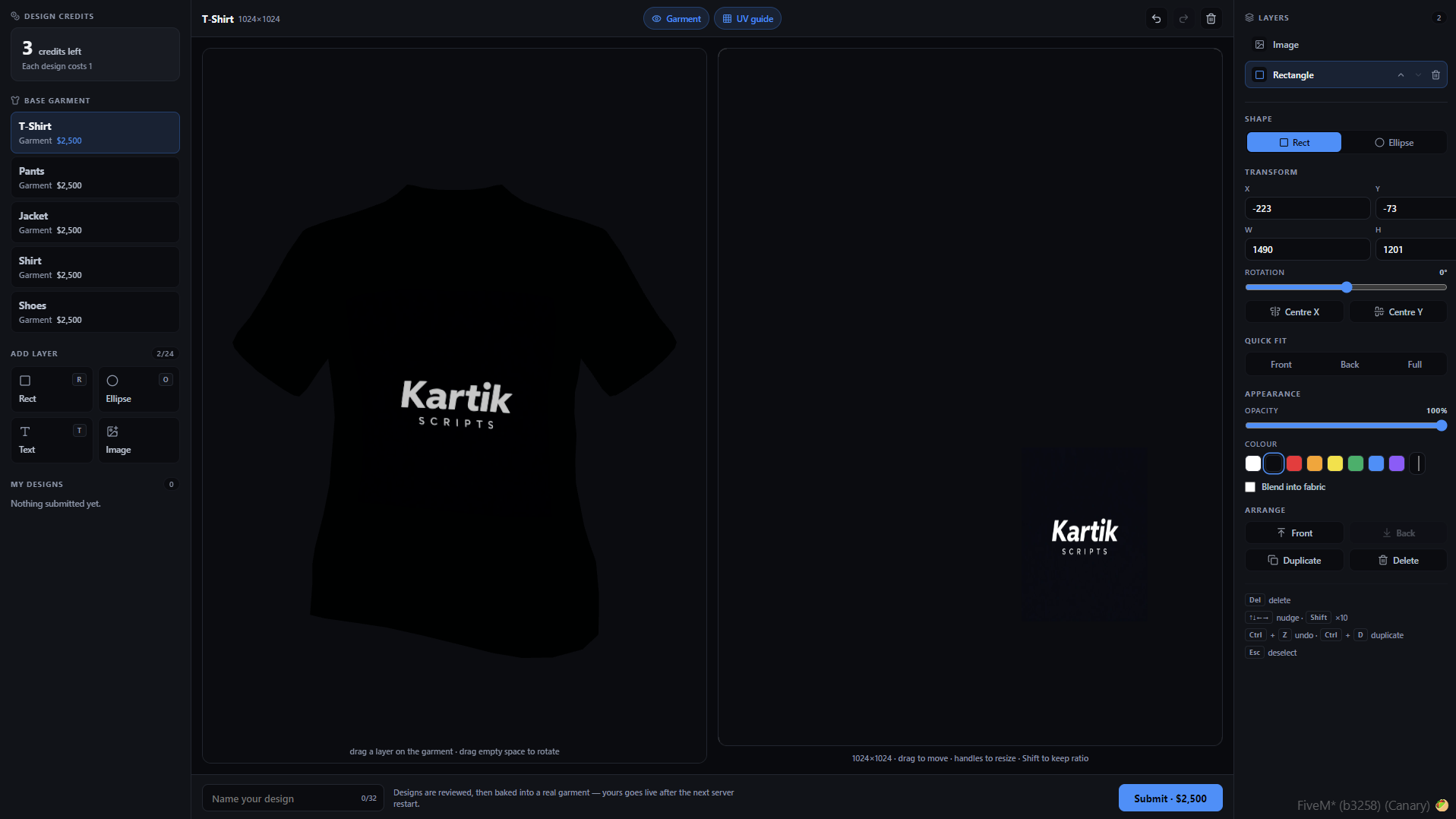
The Custom Design Studio (/designstudio) features an in-game 2D graphic editor allowing players to upload custom images, draw freehand, add shapes, adjust layer blending, and craft unique clothing graphics.
👕 Custom Garment Designer, 3D Mesh Preview & Texture Baking
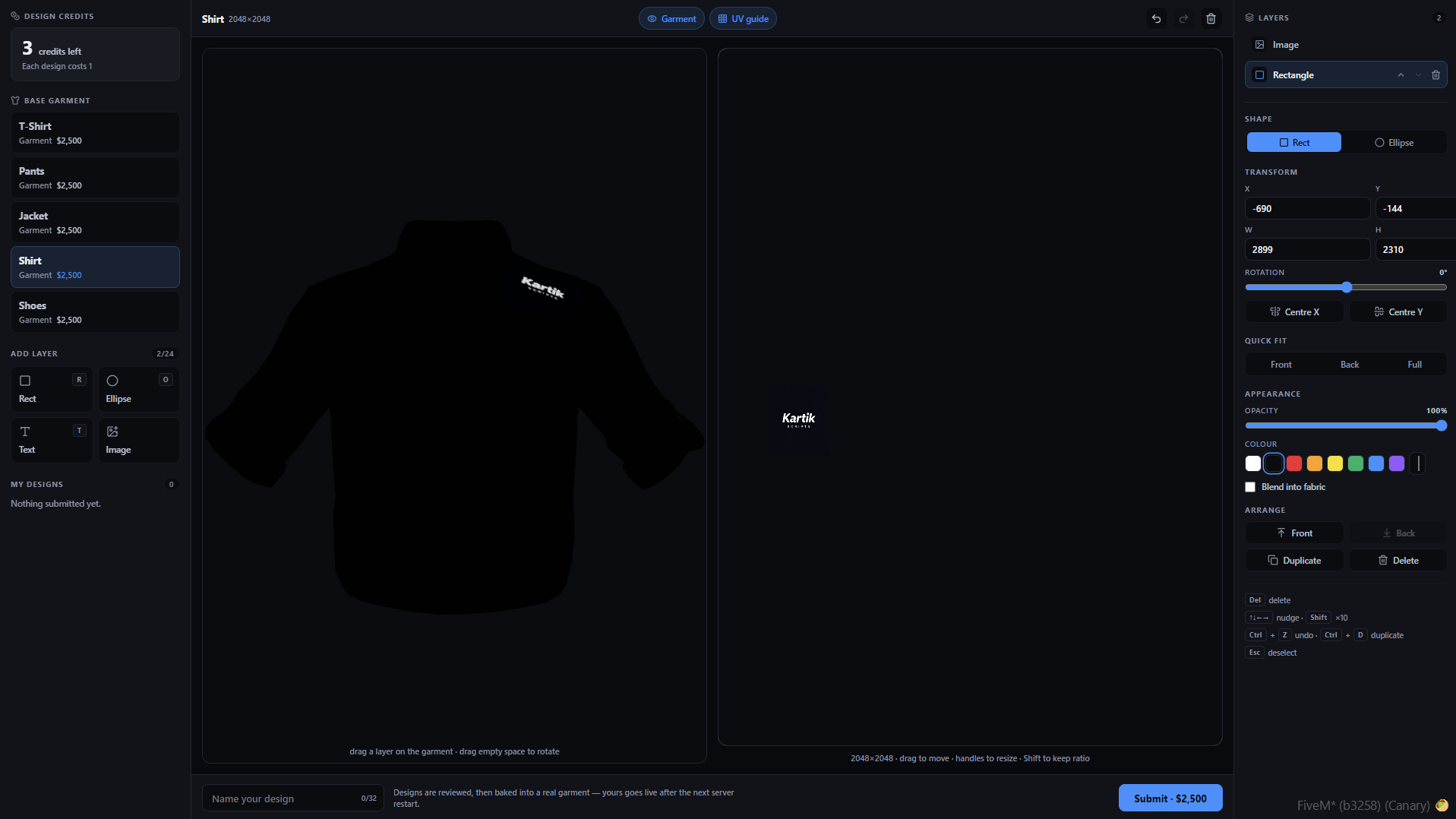
After painting custom textures, the studio renders a real-time 3D preview on the player's character ped model, baking high-resolution textures and submitting the design for server moderation or instant publishing.
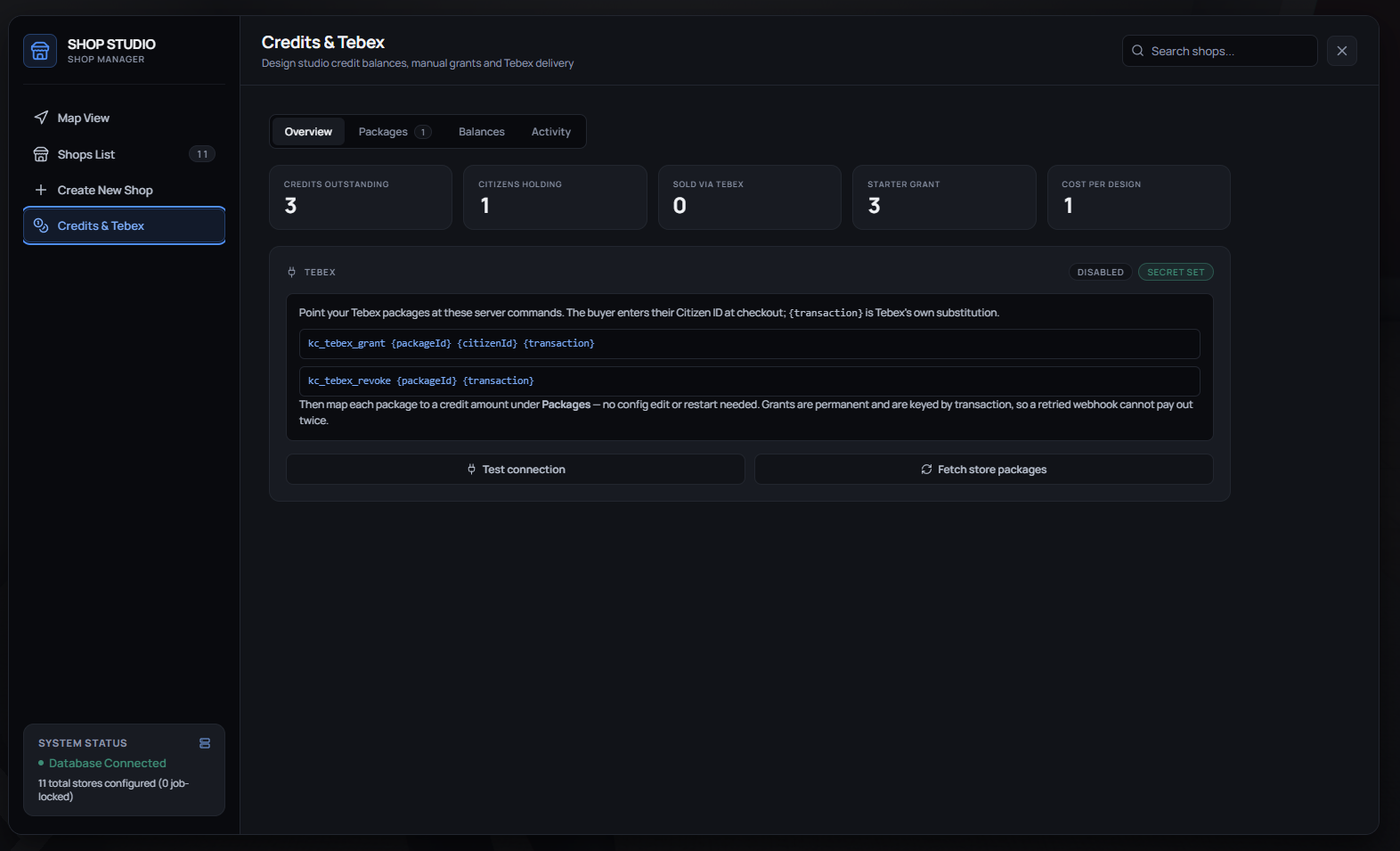
💳 Tebex Integration & Design Credit Tokens
Monetize custom clothing design studio usage by integrating Tebex design credit tokens, enabling server owners to grant or sell design submission credits via webstore purchases.