
The DOJ Tablet
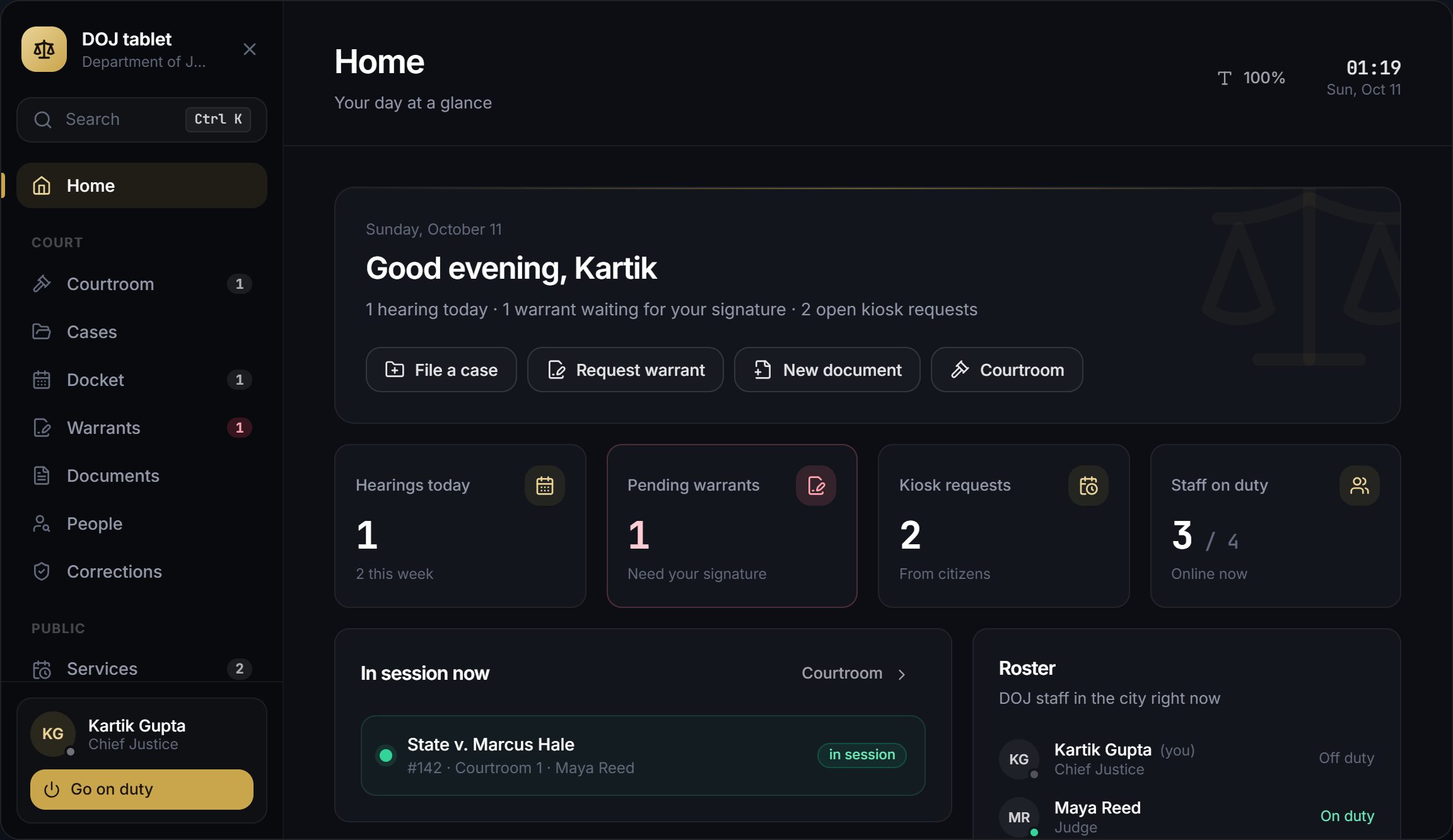
DOJ staff open the tablet with /doj, F7 or the radial DOJ menu. It opens off duty too, so staff can clock in from it.
Pages
| Page | What it is for |
|---|---|
| Home | Today's hearings, warrants to sign, kiosk requests, live sessions and everything waiting on you |
| Courtroom | Run or follow a session, present exhibits and slides, court reporter |
| Cases | Case files with a timeline, counsel, evidence, subpoenas, motions, jury and workflow |
| Docket | The week board: drag a hearing to another day |
| Warrants | Request, sign and withdraw warrants; court orders and licence orders |
| Documents | Write, sign, notarize and print documents; templates |
| People | Everything the court holds on a citizen, criminal record, background checks |
| Penal code | Charges, jail times and fines shared with the police MDT; staff with penalCode edit them here |
| Corrections | Probation, parole, community service, prisoners waiting for transport, lawyer calls |
| Lawyer requests | Accept, decline, waypoint and finish lawyer calls |
| Services | Appointments and kiosk requests |
| Permits | Issued permits and the form builder |
| Jury | Jury pool and summons |
| Bar | Bar applications, members and exam questions |
| Staff | Your hours and the roster; managers hire, promote and fire |
| Finances | The department account |
| Audit | Every action taken |
| More | Pages added by your other scripts, see Tablet Extensions |
Each page follows the grade's permissions. Most tools need duty (Config.RequireDuty). Ctrl+K (or /) searches cases, people, warrants and documents. Lists refresh live when someone else acts. The text size button in the header is remembered per player.
Active bar members who are not staff open the same tablet as the attorney portal. See Bar & Attorneys.
Tablet item
By default no item is needed. To make staff carry a tablet, set the item in shared/config/interface.lua:
Config.Tablet = {
    item = 'doj_tablet',
    mdt = 'auto',
}/doj, the key and the radial need the item in the inventory.- Using the item opens the tablet.
- Courthouse printers and the docket TV open the tablet without the item.
Add doj_tablet to your inventory first (Installation).
Inside Kartik MDT
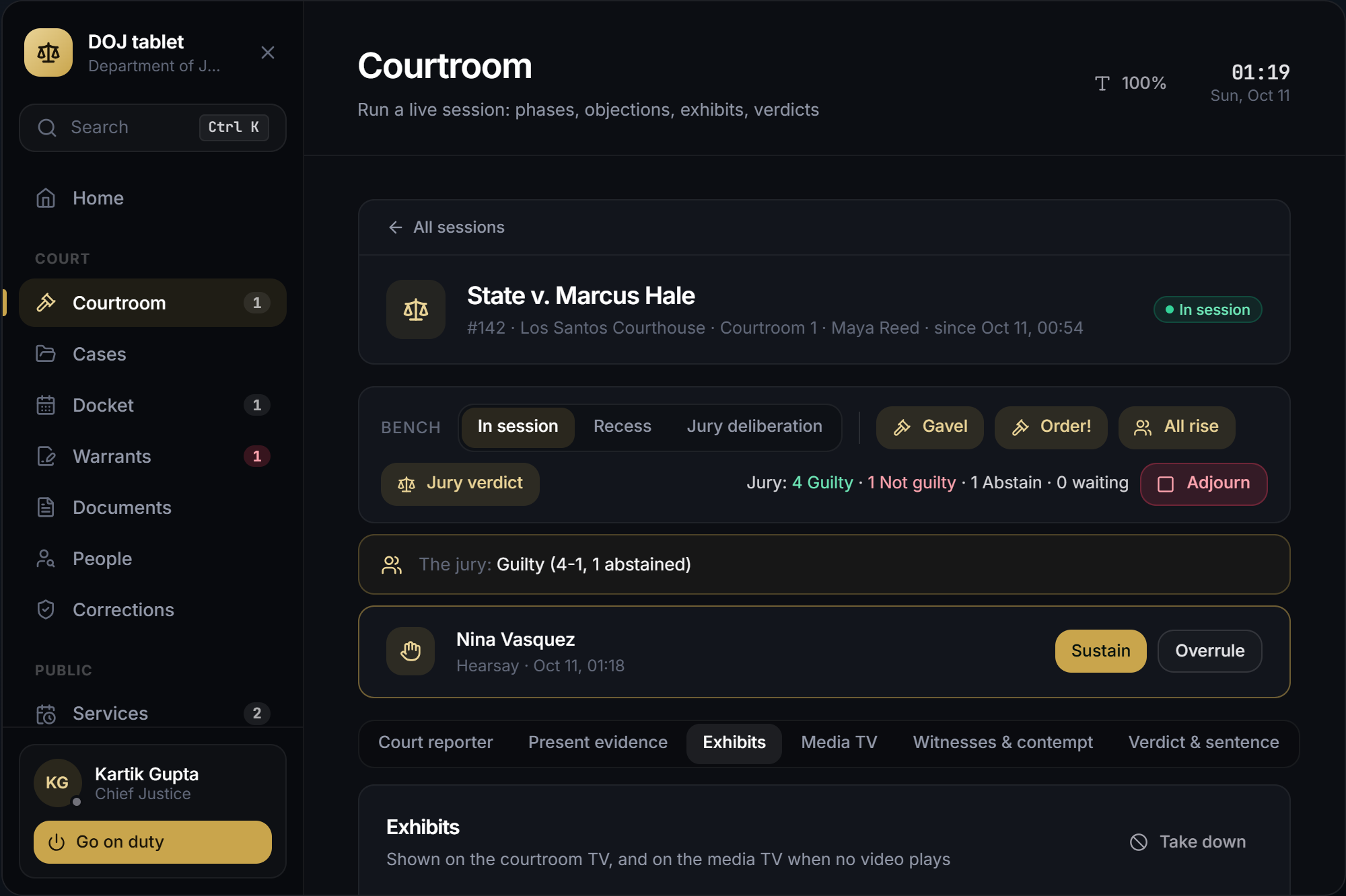
With Kartik MDT V2 (2.4.0+) running, the DOJ tablet is a DOJ app in the MDT, next to the police tools, evidence and ERS apps, so staff carry one tablet. The MDT shows the DOJ tablet on its own screen and keeps the prop and animation.
Config.Tablet.mdt | Effect |
|---|---|
'auto' (default) | /doj, the key, the radial and the tablet item open the MDT on the DOJ app |
'app' | The DOJ app is listed in the MDT, but /doj, the key and the item open the DOJ's own tablet |
false | Never inside the MDT |
- Only staff whose job is a department in the MDT get the DOJ app. Other staff, and attorneys using the portal, always get the DOJ's own tablet.
- Pressing ESC in the DOJ app closes the MDT.
- When a page opens something full screen (a printed document, the help list), the MDT steps aside and comes back when you close it.
- With the tablet item set,
/doj, the key and the radial still need the item. Opening the app from the MDT's own menu follows the MDT's rules.